Zaychess
A Chess App Built to Feel Good to Play.
Local hot-seat, deeply configurable AI, and a tactile, premium design.
Download, install, and play directly on macOS.
🤖 ZayBot & Serendipity AI
Challenge the internal engine logic with specific personality biases ranging from completely passive to hyper-aggressive across 11 difficulty levels.
🤝 Local & Online Multiplayer
Play face-to-face on one computer with automatic board flipping, or queue online through the relay server for smooth matchmaking.
💾 Portable Sessions
Full serialization support. Save your games to `.chesslog` files, load them later, and use full undo/redo with AI-aware reconstruction.
Start Fast, Play Beautifully.
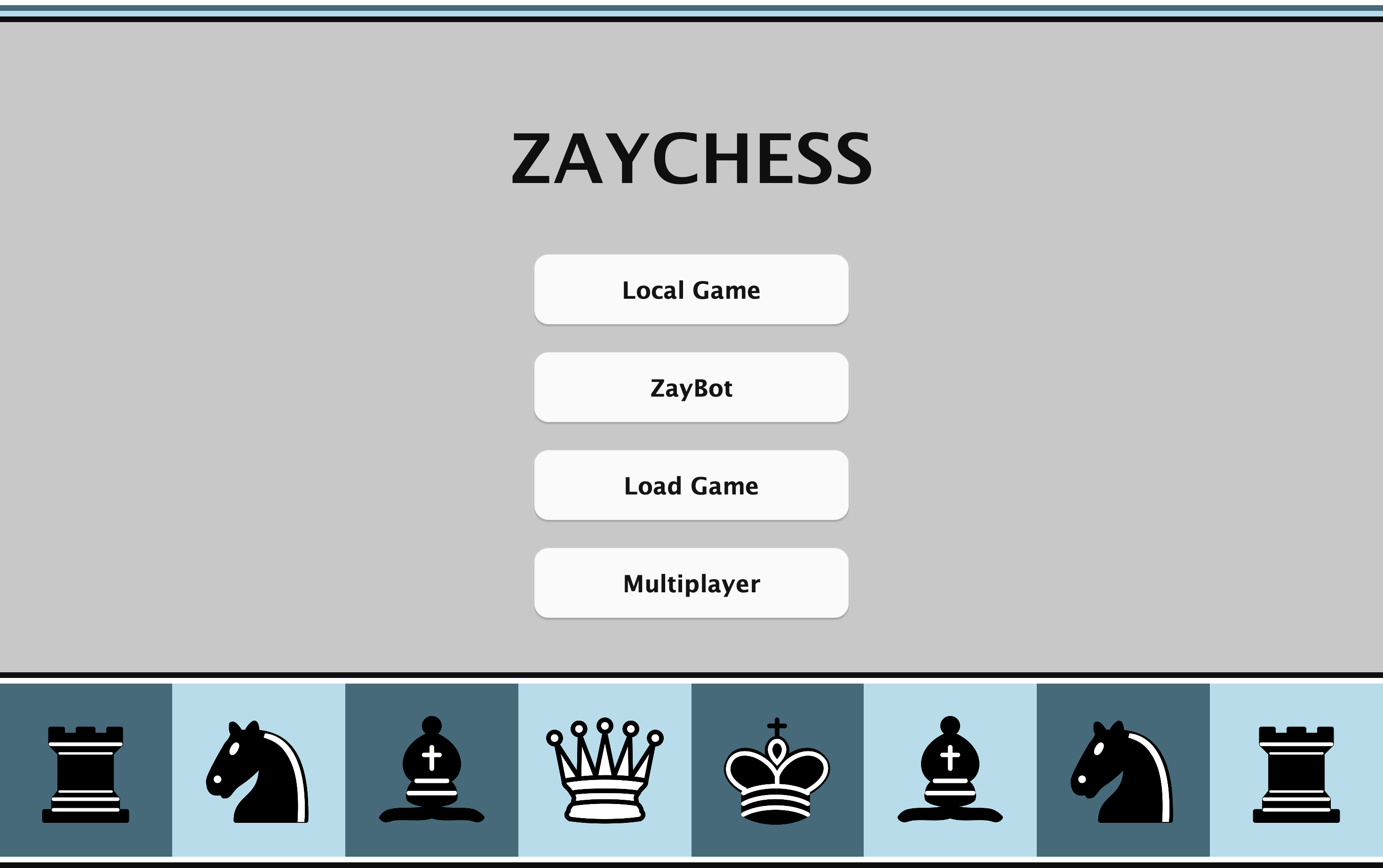
The home screen puts every mode one click away: Local Game, ZayBot, Load Game, and Multiplayer. Open the app and start playing immediately.
Drag and Drop Play
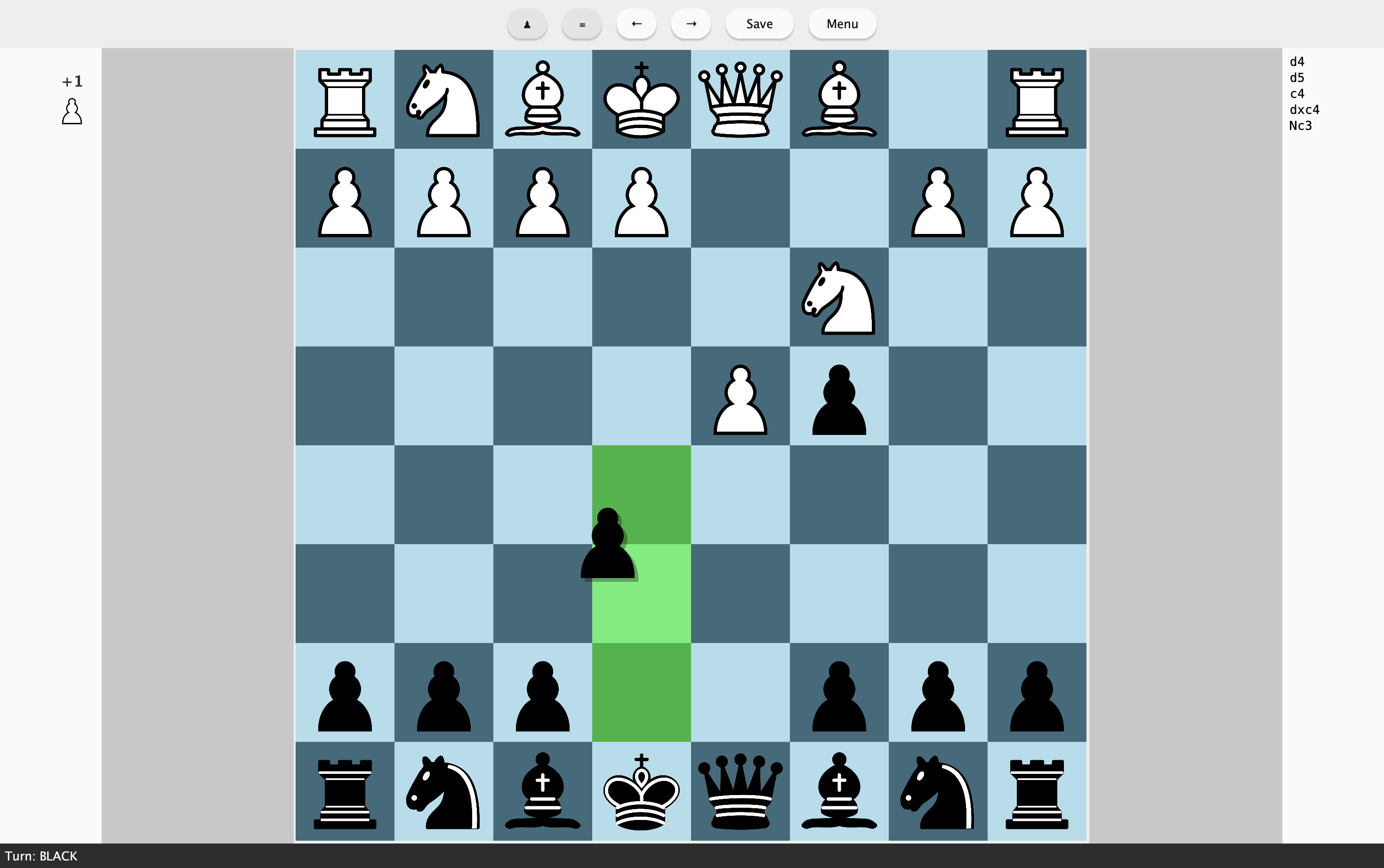
Move pieces directly on the board with smooth drag interactions. Legal destinations are highlighted clearly, so each move feels fast, visual, and precise.
Rich Match Setup
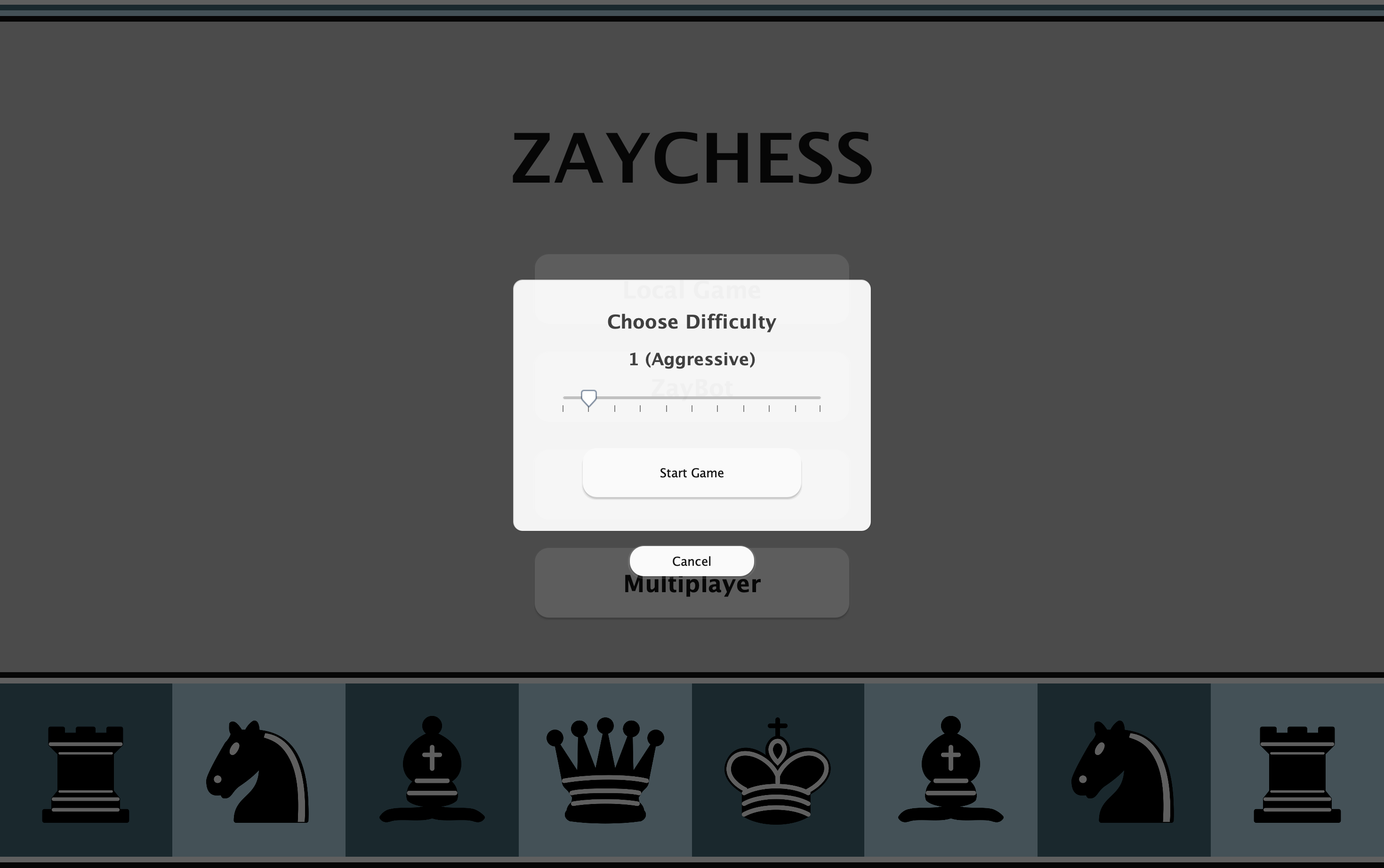
Before starting a ZayBot match, pick your difficulty with a simple slider. The aggressiveness level is shown live so you can tune the challenge before the first move.
Resume Saved Progress
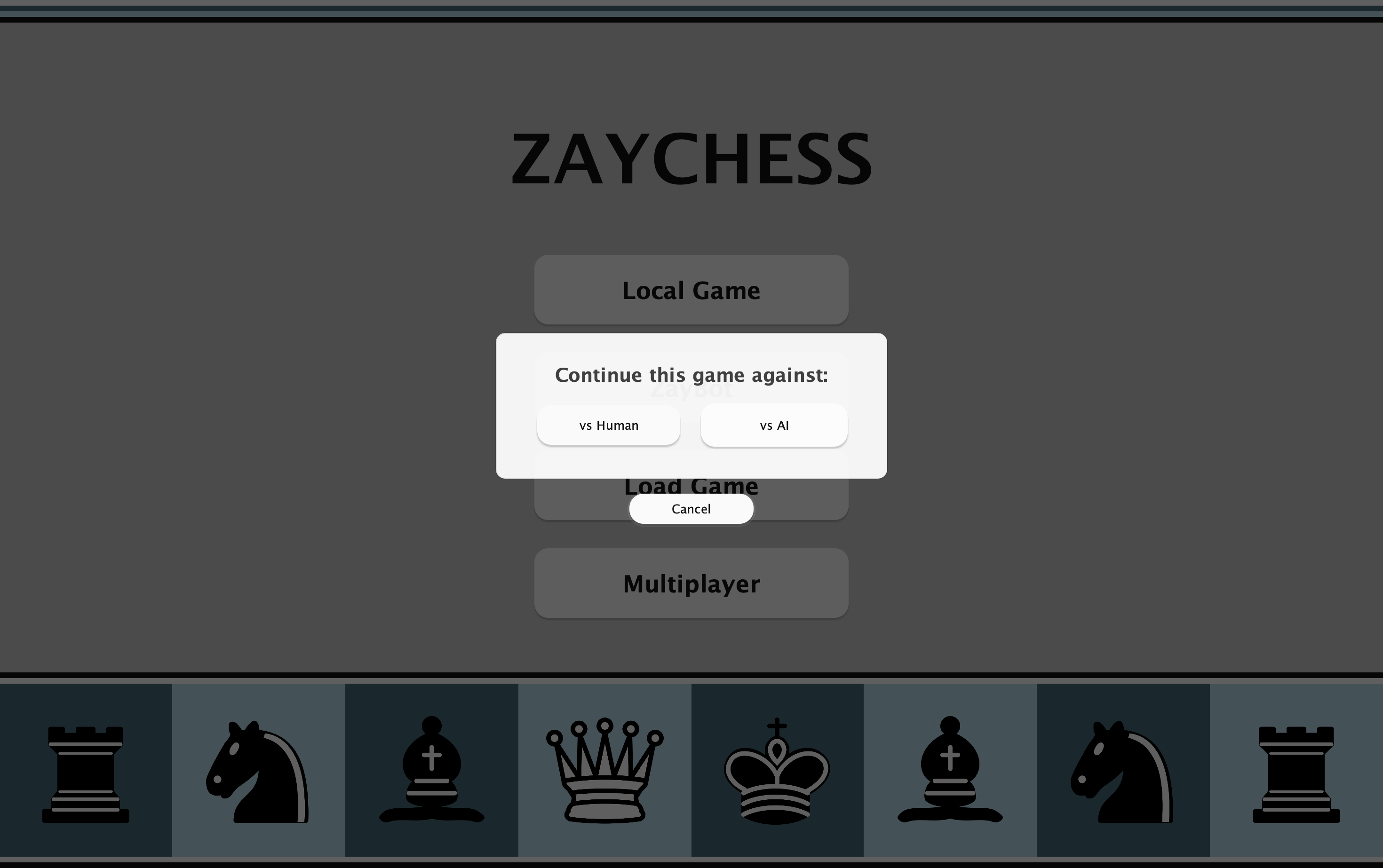
When reopening a saved game, choose whether to continue against another player or switch to AI. The resume prompt keeps your session flexible without restarting.
Online Matchmaking
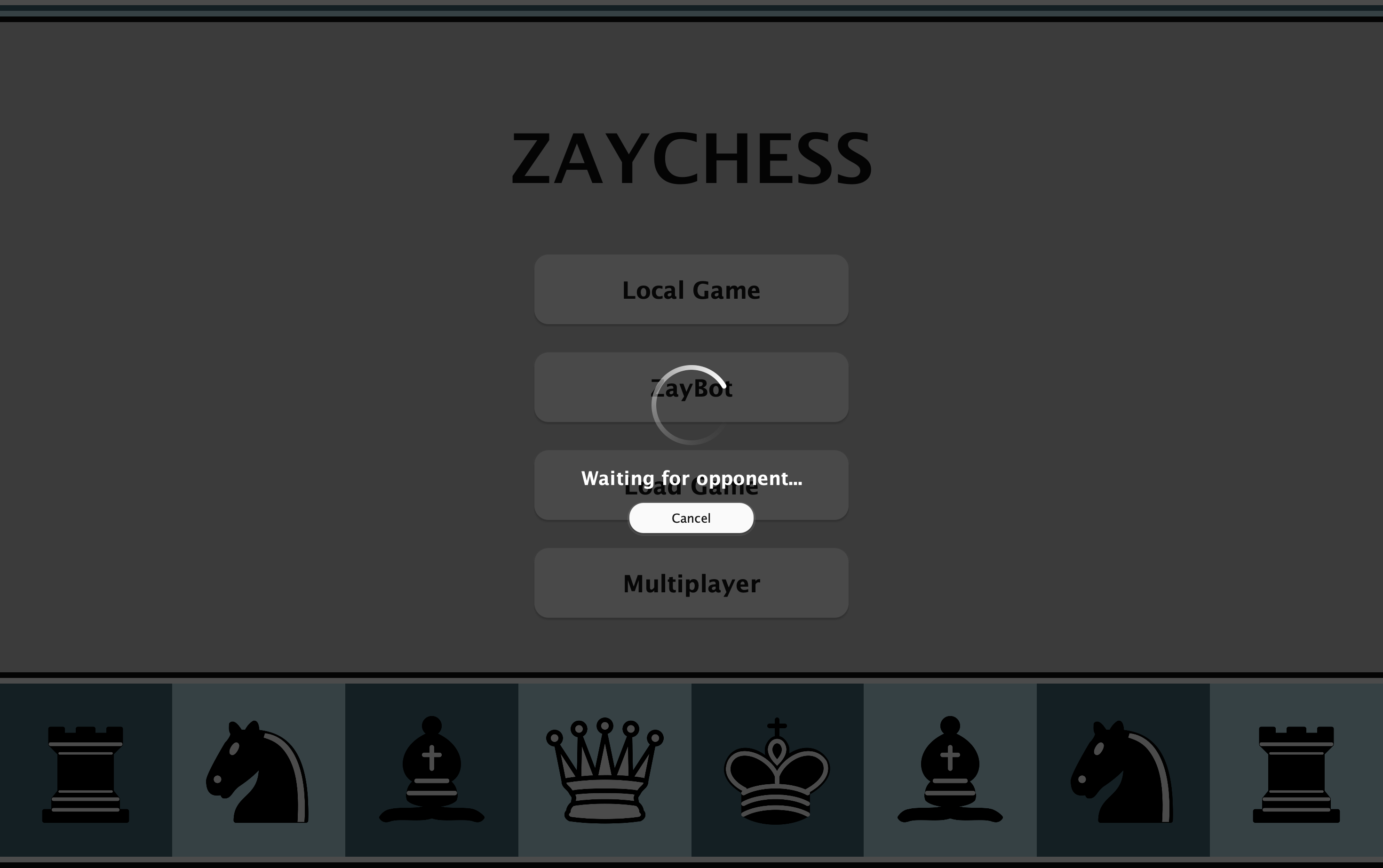
Queue for an online game through the relay server. The waiting screen confirms matchmaking is in progress and lets you cancel anytime.