
Work 07 / 10Product
Zaychess
A chess app built to feel good to play
Home screen
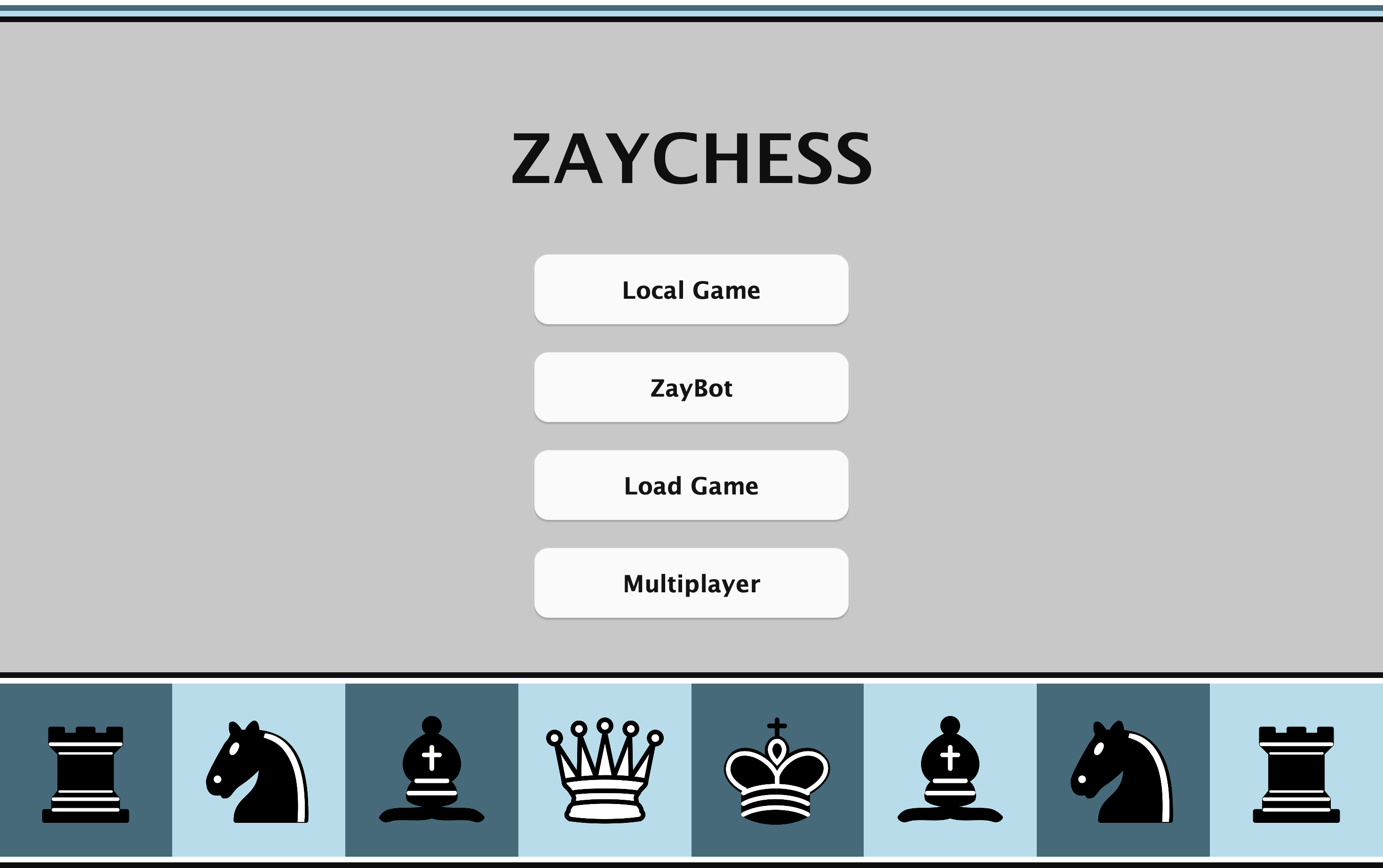
Every mode is one click from the home screen: Local Game, ZayBot, Load Game and Multiplayer.
Drag and drop
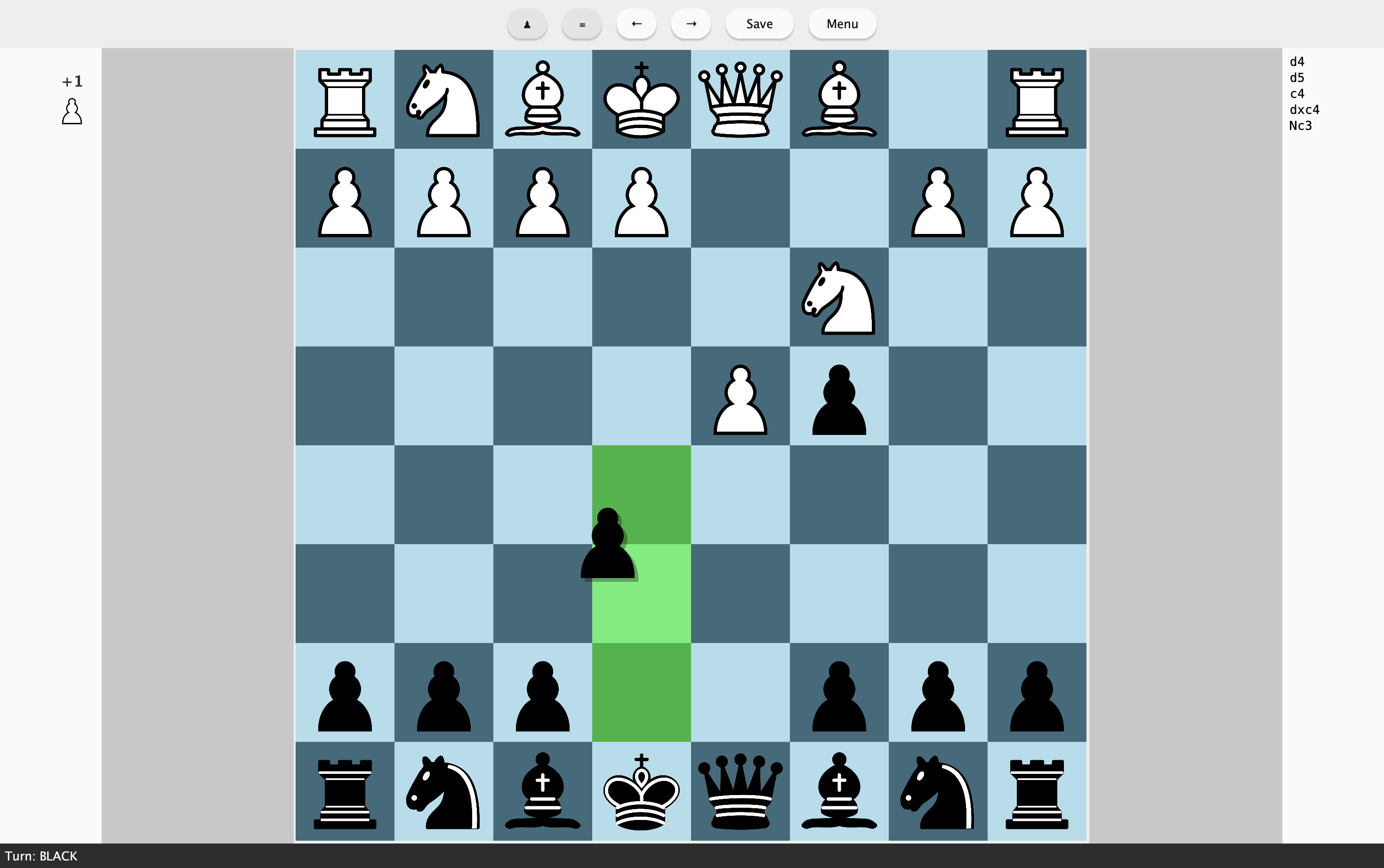
Drag pieces on the board, and the squares they can legally move to light up.
Match setup
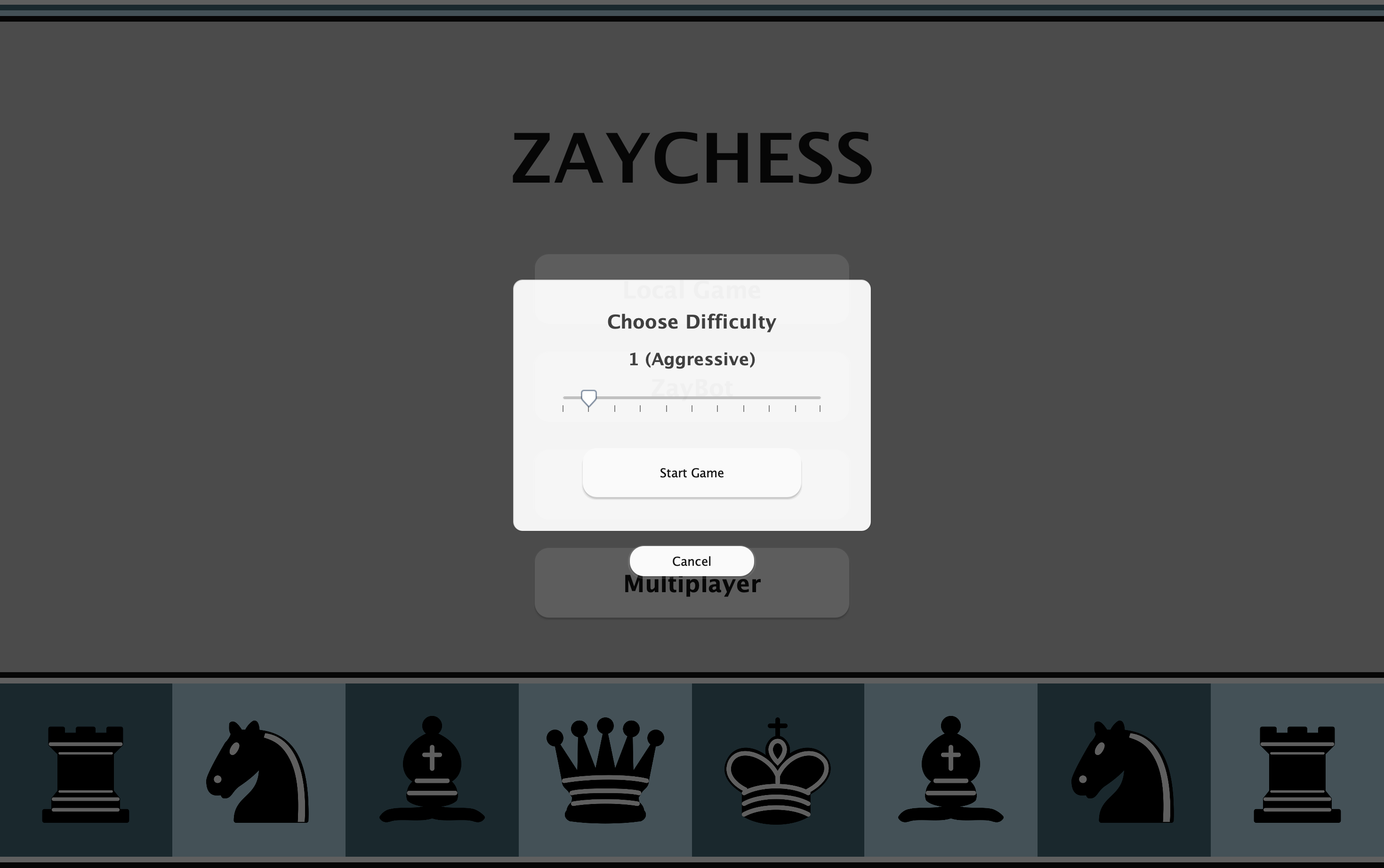
Before a ZayBot match you pick the difficulty on a slider, which also shows how aggressive that level plays.
Resume a saved game
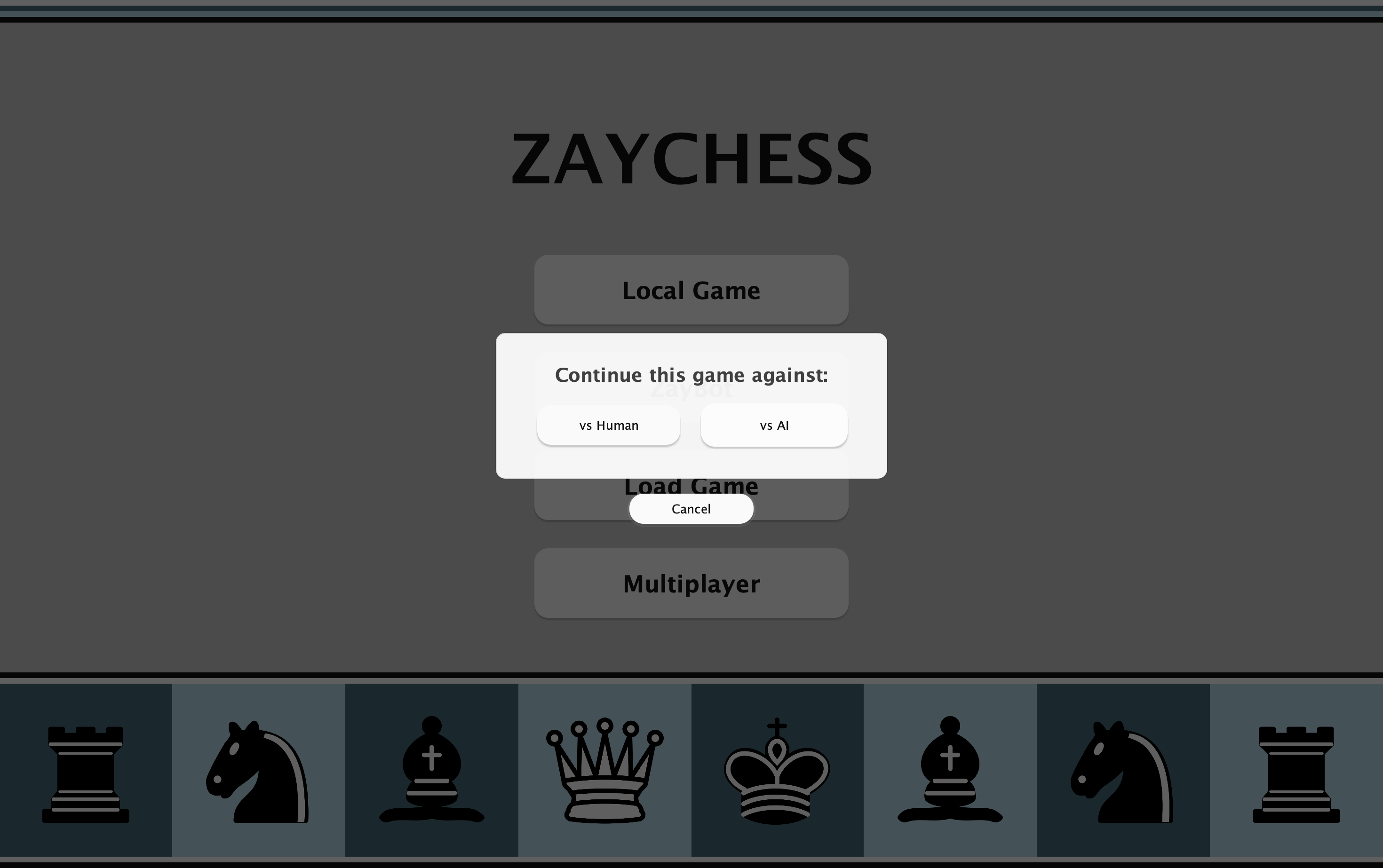
When you reopen a saved game, you can keep playing against a person or hand the other side to the AI.
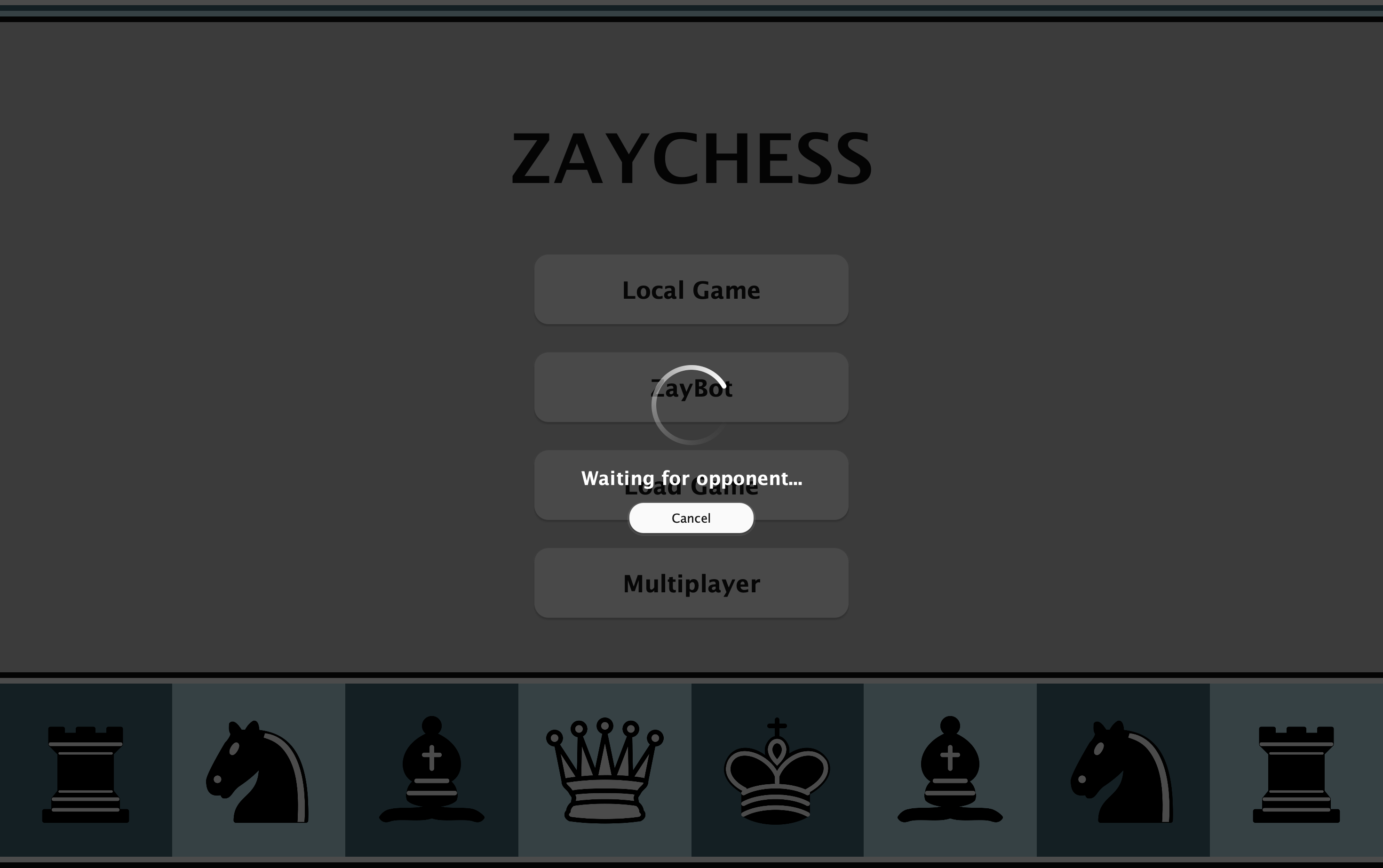
Online matchmaking
Queue for an online game through the relay server, and cancel from the waiting screen whenever you like.
Play the AI, a friend or someone online, and save any game.
- 01
ZayBot and Serendipity
An AI opponent with 11 difficulty levels. The lower ones each lean toward a style, from passive to hyper-aggressive.
- 02
Local and online play
Face to face on one Mac with automatic board flipping, or online through the relay server's matchmaking.
- 03
Saved games
Save games to .chesslog files and load them later. Undo and redo work in AI games too.
- Platform
- macOS 12.0+
- Version
- 1.2
- Distribution
- Mac App Store
- Saved games
- .chesslog
- Data
- No account, no tracking